How to Build an Epic Gaming Setup on a Budget
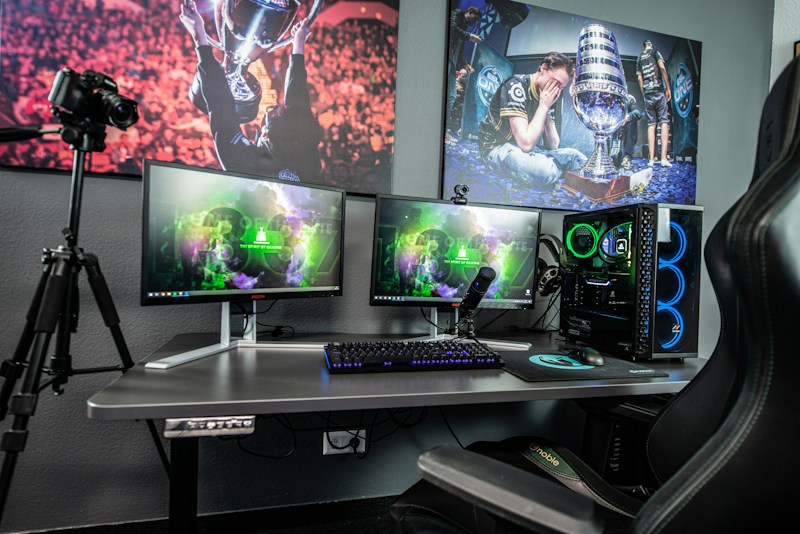
Scrolling through social media, it is easy to believe that a great gaming setup costs thousands of dollars. RGB everything, triple monitors, custom water cooling. The truth is much friendlier to your wallet. With smart choices and a little patience, you can build a setup that looks incredible and plays everything you want, without going broke. Here is exactly how to do it, step by step.
1. Start With the Core: Your Gaming Machine
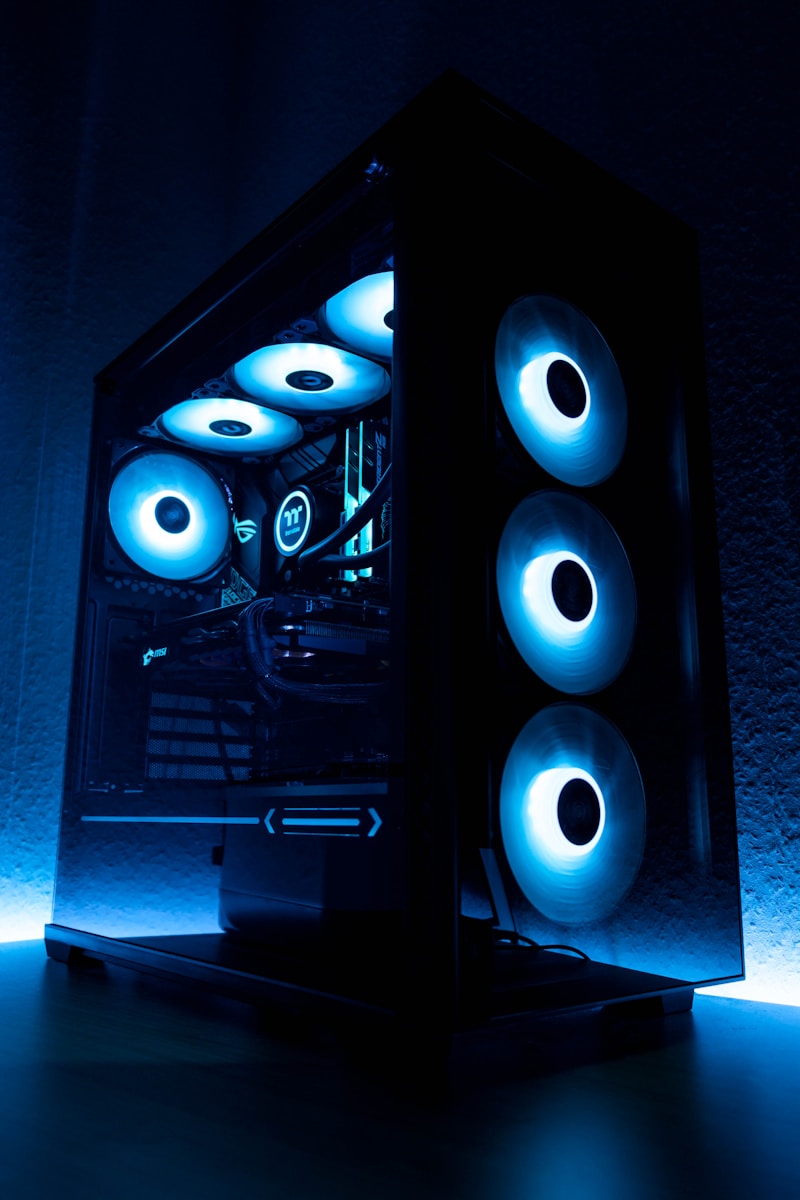
The heart of any setup is the machine itself. You have two main paths here.
If you want a gaming PC, building your own is almost always cheaper than buying prebuilt, and there are endless budget build guides online. The trick is to prioritize your spending: put the most money into the graphics card and processor, and save on the case, RGB fans, and other parts that do not affect performance.
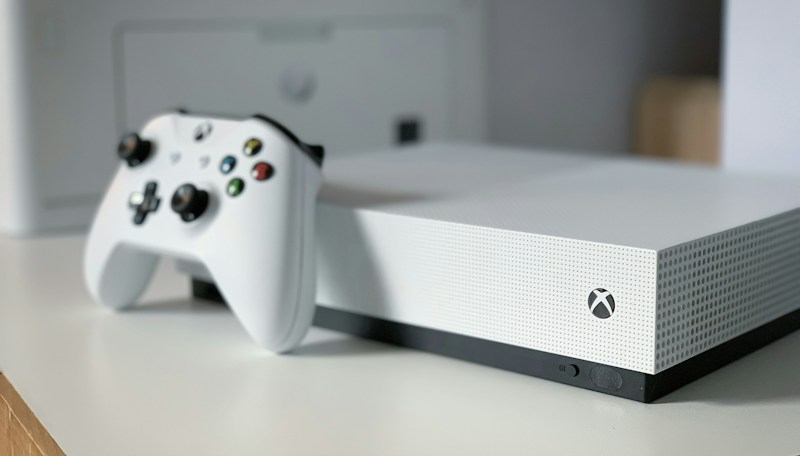
If a PC feels overwhelming, a console is the budget king. For the price of a mid-range graphics card alone, you get an entire system that plays modern games at great quality for years. There is no shame in the console route, millions of gamers choose it for good reason.
2. The Monitor: Where Smart Spending Pays Off
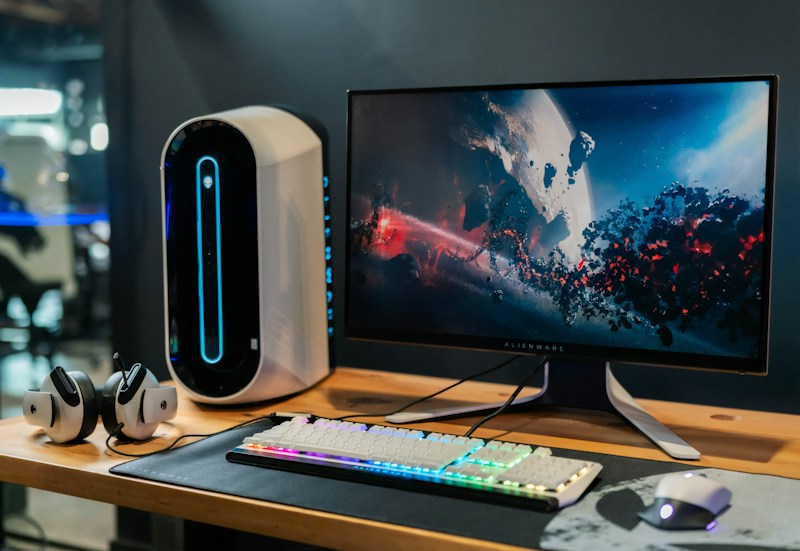
Your monitor is the one part of your setup you will stare at for every single second of every session, so choose wisely. The sweet spot for budget gaming is a 24 to 27 inch display with a 144Hz refresh rate and 1080p resolution. High refresh rate matters far more for smooth gameplay than a higher resolution you cannot afford to drive.
Skip the ultra-wide, curved, 4K marketing hype for now. A solid 1080p high refresh monitor costs a fraction of the price and gives you 90 percent of the experience.
3. Peripherals: Feel Matters More Than Flash

Keyboard, mouse, and headset are where brands love to charge premiums for RGB lighting. Ignore the lights and focus on feel.
For keyboards, a budget mechanical keyboard outperforms any membrane board at the same price, and affordable options from lesser known brands have closed the quality gap dramatically. For mice, find one that fits your hand size and grip style, sensor quality on budget mice is excellent these days. For audio, a pair of decent stereo headphones will beat a cheap "gaming headset" every time, and they work for music and movies too.
4. The Controller Question

PC gamers should not sleep on controllers. Many of the best modern games, from action adventures to racing titles, simply play better with one. The official controllers from Sony and Microsoft are excellent, but budget alternatives have gotten remarkably good, often costing a third of the price with nearly identical build quality.
5. Comfort Is Not Optional
Here is the part nobody posts on Instagram: you will spend hundreds of hours sitting in your chair. A cheap gaming chair that ruins your back is a bad investment at any price. Many budget office chairs offer better ergonomics than flashy racing style gaming chairs costing three times more.
Likewise, desk height, monitor position at eye level, and proper lighting reduce strain and let you play longer and feel better doing it.
6. The Free Upgrades That Transform Everything
Before spending another dollar, do the free stuff first. Cable management costs nothing but makes any setup look ten times cleaner. Rearranging your desk toward natural light, adding a plant, or mounting a shelf for your games adds personality for pennies. Good lighting, even a simple LED strip, creates atmosphere that expensive hardware cannot buy.
Software matters too. Free tools for monitoring temperatures, customizing fan curves, and managing game libraries make your experience smoother every single day.
7. Upgrade Over Time, Not All at Once
The biggest secret of great setups is that almost nobody built them in one shopping trip. The best approach is to start with a solid foundation and upgrade one component at a time, waiting for sales events and buying used where it makes sense. Graphics cards, monitors, and peripherals all have healthy second-hand markets where careful buyers save 30 to 50 percent.
Set a priority list. For most gamers, the order is: machine first, then monitor, then peripherals, then comfort and aesthetics. Stick to the plan and ignore the urge to impulse buy.
Budget Gaming Setup Checklist
- Choose PC or console based on your budget and goals, not hype.
- Prioritize the graphics card and processor over looks.
- Get a 1080p 144Hz monitor before considering anything fancier.
- Buy peripherals for feel, not RGB lighting.
- Invest in a good chair before decorative upgrades.
- Do free upgrades first: cable management, lighting, desk layout.
- Buy used and wait for sales whenever possible.
- Upgrade one component at a time, following a priority list.
Common Budget Mistakes to Avoid
- Spending more on the case and lights than on performance parts.
- Buying a 4K monitor with hardware that cannot drive it.
- Choosing a cheap gaming chair over a good office chair.
- Ignoring ergonomics until pain forces you to care.
- Trying to buy everything at once instead of building over time.
What does your setup look like? Drop a comment below and tell us the one piece of gear you would upgrade first, or share your best budget find!


0 Comments